02 HTML and CSS
HTML
介绍
html是一种超文本标记语言。下面这张图简单诠释了html、css和js的关系和区别。
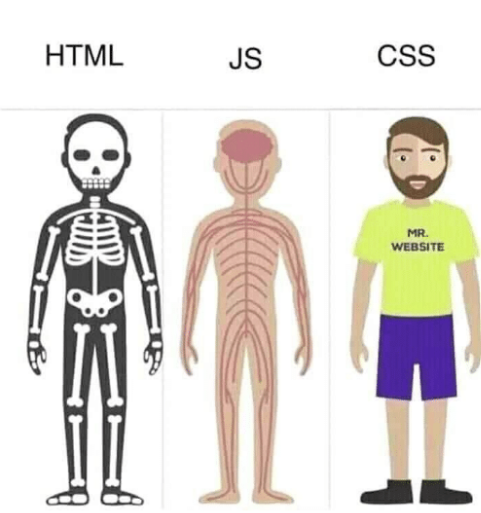
html由一系列“box”组成。以下是一个html框架:
<!DOCTYPE html>
<html>
    <head>
        <title>Title!</title>
    </head>
    <body>
        <h1>Heading!</h1>
        <p>Paragraph!</p>
    </body>
</html>
<!DOCTYPE html> :指定网站使用最新版html(而不是随机版本)
<html></html> :一个html元素
<head></head> :存储文档的标题、样式、脚本等,描述数据属性的信息
<title></title> :页面标题
<body></body> :内容
<h1></h1> :一级标题
<p></p> :段落
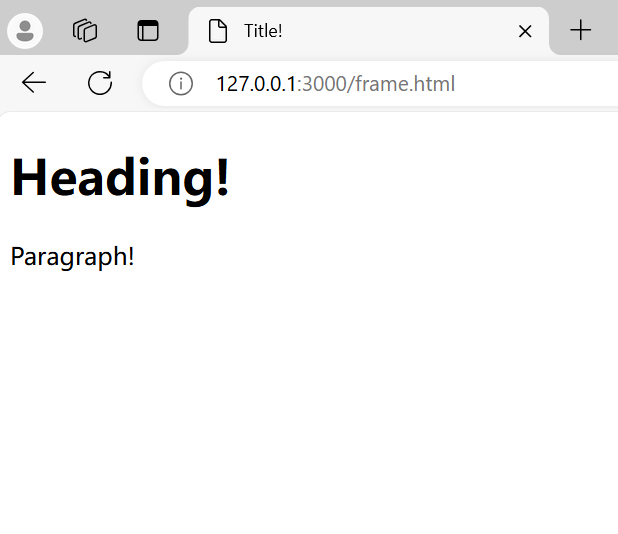
搭建好的网页效果如下图:
属性
<tagname abc="xyz">
</tagname>
其中,上面一行为开场标签(opening tag),下一行为结束标签(closing tag)。 abc 为属性(attribute), xyz 为这个属性的值(value)。
标签
以下列出了各种常用的html标签。
-
链接
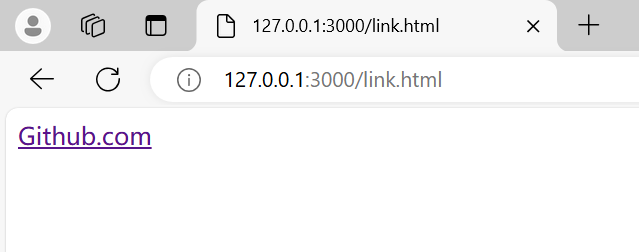
<a href="http://weblab.mit.edu">Link to web.lab!</a>href后边代表网址<a>与</a>中间的字代表链接名称
-
图片
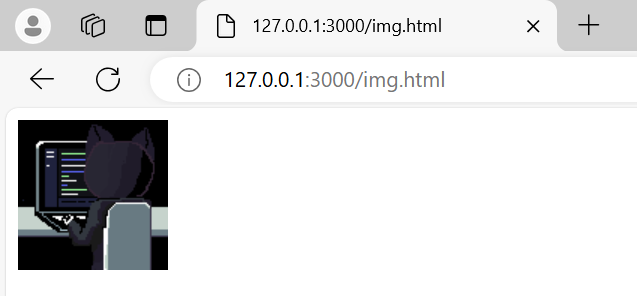
<img src="pusheen.gif" />- 不需要结束标签
- 相对路径从html所在文件夹开始
-
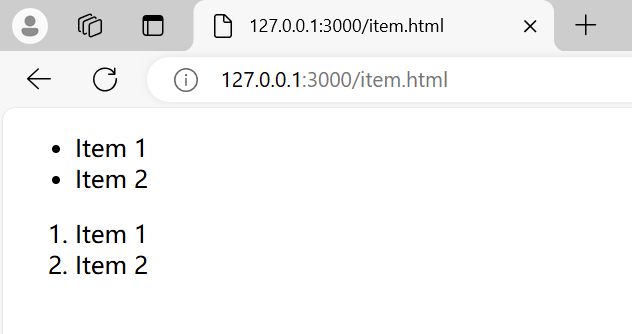
列表
<ul>
    <li>Item 1</li>
    <li>Item 2</li>
</ul>
<ul>是无序号列表,<ol>是有序号列表<li>是列表内容
<div> 与 <span>
div:一种框架,没有实际含义(因此用得太多会降低可读性)。span:内联元素,用于在文本中进行小范围样式修改。
<body>
    <div>
        <h1></h1>
        <p></p>
    </div>
</body>
span 看不懂,待补充
css
介绍
ppt上的原文是,html是 the language your web browser use to describe the content and structure of web pages,而css是 the rules that tell your web browser how stuff looks。
更言简意赅的,总结中提到html = nested boxes,css = a list of descriptions。
div {
    color: red;
    font-family: Arial;
    font-size: 24pt;
}
将这段代码写在style.css中,则对应html文件中所有 <div> 部分会变成style.css中的格式。
id 与 class
先介绍一下 id 和 class 的用法。
- id
<div id="unique">Content</div>
#unique {
    color: red;
    font-family: Arial;
    font-size: 24pt;
}
- class
<div class="info">Content</div>
.info {
    color: red;
    font-family: Arial;
    font-size: 24pt;
}
一个元素只能拥有一个 id ,但是可以拥有多个 class 。另外,所有 id 不能重名,但 class 可以。
这门课中的建议是只用 class 。
优先级
css的优先级可参考这张幻灯片:

结合 html 与 css
这门课提供的方式是使用外部样式表:使用 <link> 引入外部的css文件。
<head>
    <link rel="stylesheet"
          herf="style.css" />
</head>
<body>
    <h1 class="myClass">Heading!</h1>
</body>
其中, <rel> 定义了当前文档与被链接文档的关系, <herf> 指定了URL或路径。
还有数种其它方式,但这门课只推荐这种。